Om-E · web search
When your topics can't answer, Om-E goes and finds out.
Web search is built into Om-E — no keys, no setup. Ask, and it searches, opens the results, reads what's worth reading and comes back with the answer, sources attached. Ask big, and it runs the whole research job. Scroll, and watch the hunt.
Watch the hunt ↓search · read · verify · bring it home
The idea
A search engine with hands.
A search box gives you ten blue links and leaves the reading to you. Om-E is on the other side of that deal: it runs the searches, opens the tabs, reads the pages and hands you what matters — and because everything it finds can land in your knowledge, the web you've already hunted stays hunted.
01 Built in
Search is part of Om-E — no third-party search key to buy, configure or babysit.
02 It reads, you don't
Om-E opens the result tabs and does the reading; you get the findings.
03 Everything cited
What comes back carries its sources — every finding checkable against the page it came from.
04 It lands as topics
The good pages and finished reports save into your knowledge — reusable in every job after.

Web search
It doesn't wait to be fed.
Ask something your knowledge can't answer and Om-E goes out for it: searches, opens the results, reads them and comes back with what matters — sources attached, ready to keep.
01 No key setup
Search is built into Om-E — there's no third-party search key to configure.
02 It reads, you don't
Om-E opens the result tabs and does the reading; you get the findings.
03 Sources attached
What comes back is cited — you can check any finding against the page it came from.
04 Switched on per turn
Web search is a chip in the composer — flip it on when the question needs the world, off when it doesn't.
05 Depth you choose
A quick look or a proper sweep — how far Om-E goes is dialled to the question.
06 Keep what's useful
Capture the good pages as topics and they join your knowledge — still there when the site changes.

Deep research
Ask big. Get back a finished report.
One prompt states the question and how deep to go. Om-E plans the run, sweeps the web and your knowledge, reads what's worth reading, and writes the answer up properly — an afternoon of tabs, done in one run.
01 Hours become one prompt
The searching, opening, reading and collating happen without you holding the tabs.
02 Finished, not fragments
What comes back is a written report — structured, readable, ready to hand over.
03 Receipts attached
Every claim points back to the source it came from, with capture provenance.
04 It lands as a topic
The report saves into your knowledge — retrievable, comparable, reusable in the next job.
One run, traced
From question to handover.
This is what one deep research run looks like from the outside — you write the first line, Om-E does the rest.
1 · brief
“Vendor security posture — compare all three.” One prompt states the question and how deep to go.
2 · sweep
Om-E searches and triages: 14 sources found, 6 worth actually reading.
3 · read
The 6 get read properly — claims extracted, provenance kept for every one.
4 · write
The findings are written up in full — structured, readable, 11 citations riding along.
5 · land
The report saves as a topic. Next quarter's comparison starts from this one.
The return
The web, kept.
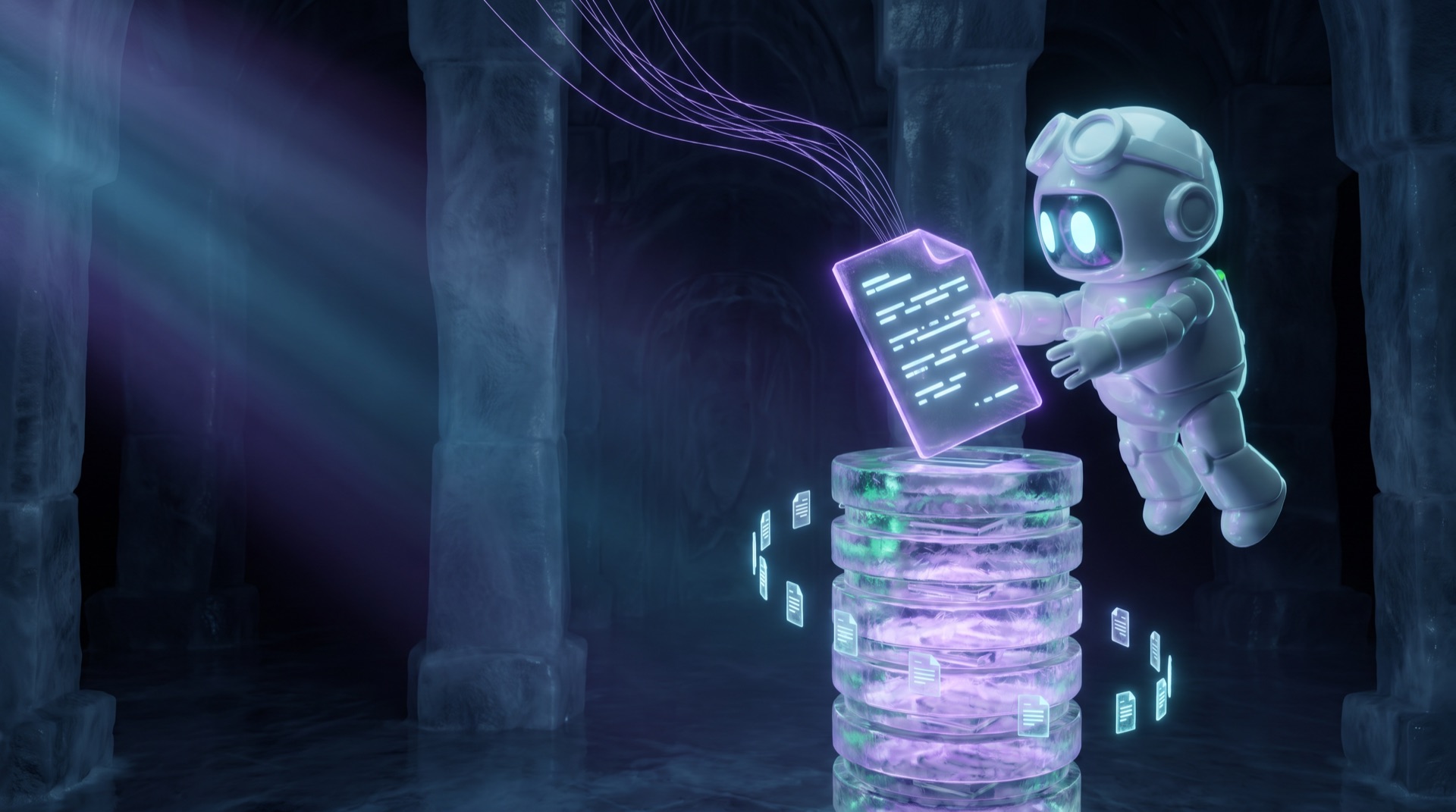
What comes back doesn't evaporate when the tab closes. Findings, pages and reports save as sourced topics in your knowledge — so the next question checks what you already hunted before going out again.
Stop losing knowledge in tabs.
Ask the page. Save the answer. Build your knowledge base.