Om-E · the machine
Meet the Machine.
Everything Om-E does runs on four simple parts: chats where the work happens, topics that keep what's worth keeping, knowledge bases that make it searchable by meaning, and sessions that let it all run at once. Scroll, and walk the hall.
Step inside ↓chats · topics · knowledge bases · multi-session
The idea
Knowledge with a shape.
Most AI tools give you a textbox and a scroll of history. Om-E gives your knowledge a shape it can hold: everything you keep becomes a topic, topics live in knowledge bases, chats work with them, and every chat runs in its own space. Four objects — and once you know them, you know the whole machine.
01 Chats
Where the work happens. Your live AI workbench — ask, write, plan and analyse with context from your own knowledge.
02 Topics
Where knowledge is saved. One flexible shape for anything worth keeping — saved once, reused forever.
03 Knowledge Bases
Where knowledge becomes searchable. Libraries of topics that answer by meaning, not just keywords.
04 Multi-session
Where it all runs at once. Every chat gets its own session space — nothing waits for anything.

Chats
Where the work happens.
A chat works like any AI conversation — until you connect it. Attach a topic and local retrieval feeds the model exactly the passages that matter; load it and the full text sits in the window. Pull in several and the chat becomes the place where sources meet: joined, compared, cited.
01 Attach or load — two gears
Attach a topic and local retrieval surfaces the passages that matter. Load it and the full text is in context.
02 Where topics meet
Join several sources in one thread and weigh them against each other — vendor vs vendor, draft vs brief.
03 Cited and verified
Grounded answers cite the topics they drew on, and verification reports are built right in the thread.
04 Local first, always
Every turn saves to your machine as it happens — no export step, no session timeout, no cloud copy.
05 A chat is a file you own
Export it, back it up, move machines, hand a finished thread to a teammate — it travels.
06 A chat can become a topic
Convert a thread into a topic and the conversation itself turns into citable source material.
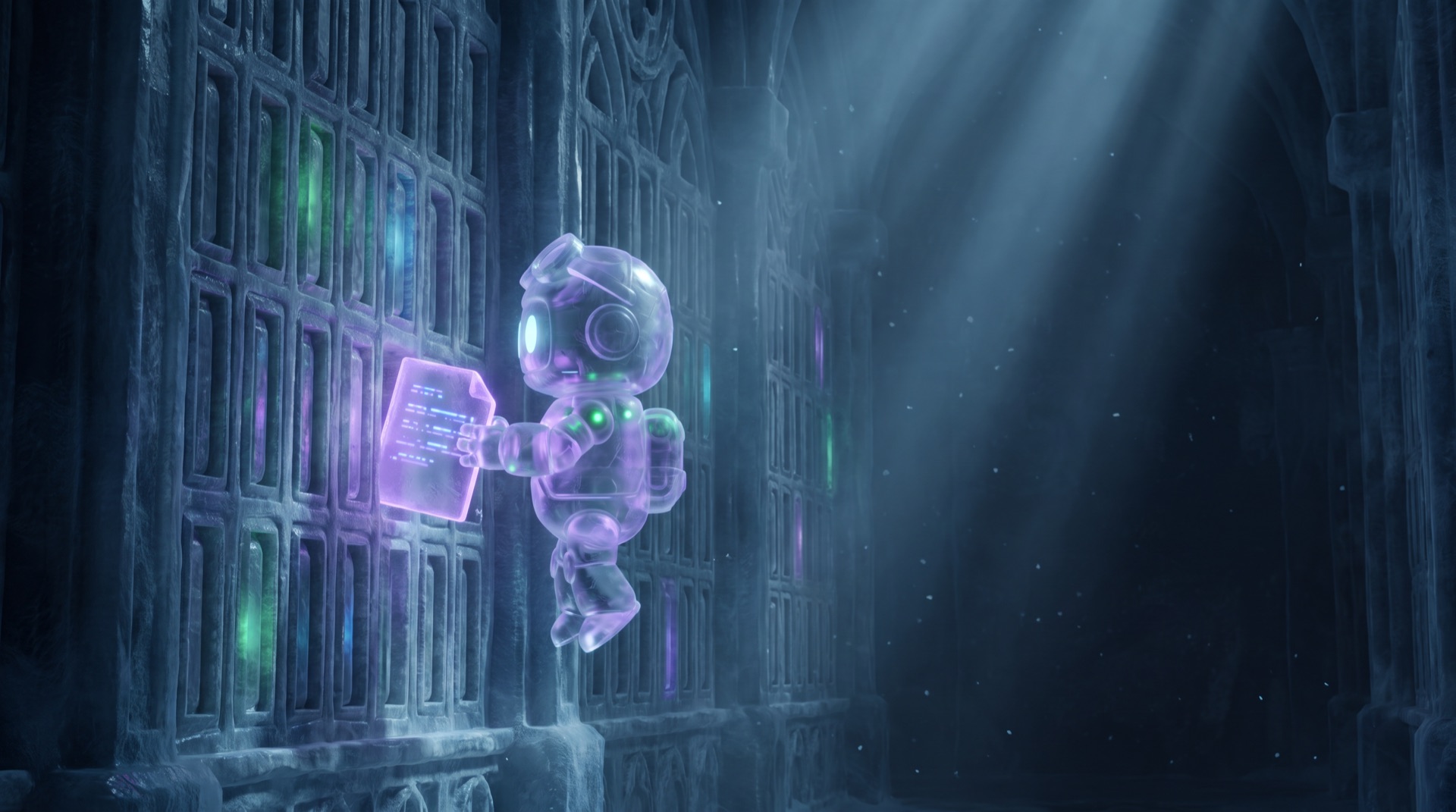
Topics
The unit of memory.
A topic is born from almost anything: a file you import, a page you capture, a transcript you pull, a note you write, an answer worth keeping. Saved once, it works forever — provenance attached, searchable, reusable in every job that comes after.
01 Born from anything
File imports, captured pages, transcripts, chat answers, plain notes — one shape for all of it.
02 Images are searchable too
Import a document and the images inside are vectored alongside the text — the diagram surfaces in the same search as the words.
03 Provenance built in
Where it came from and when it was captured travel with the topic for good.
04 Transcripts become topics
Search YouTube from a chat, pick the videos, and their transcripts land as clean, searchable topics.
05 Editable to the end
A topic is markdown you can open, edit, rename and reorganise any time — the index keeps up.
06 Share a topic
Export any topic as clean HTML or PDF; a mate imports it and you're both working from the same page.
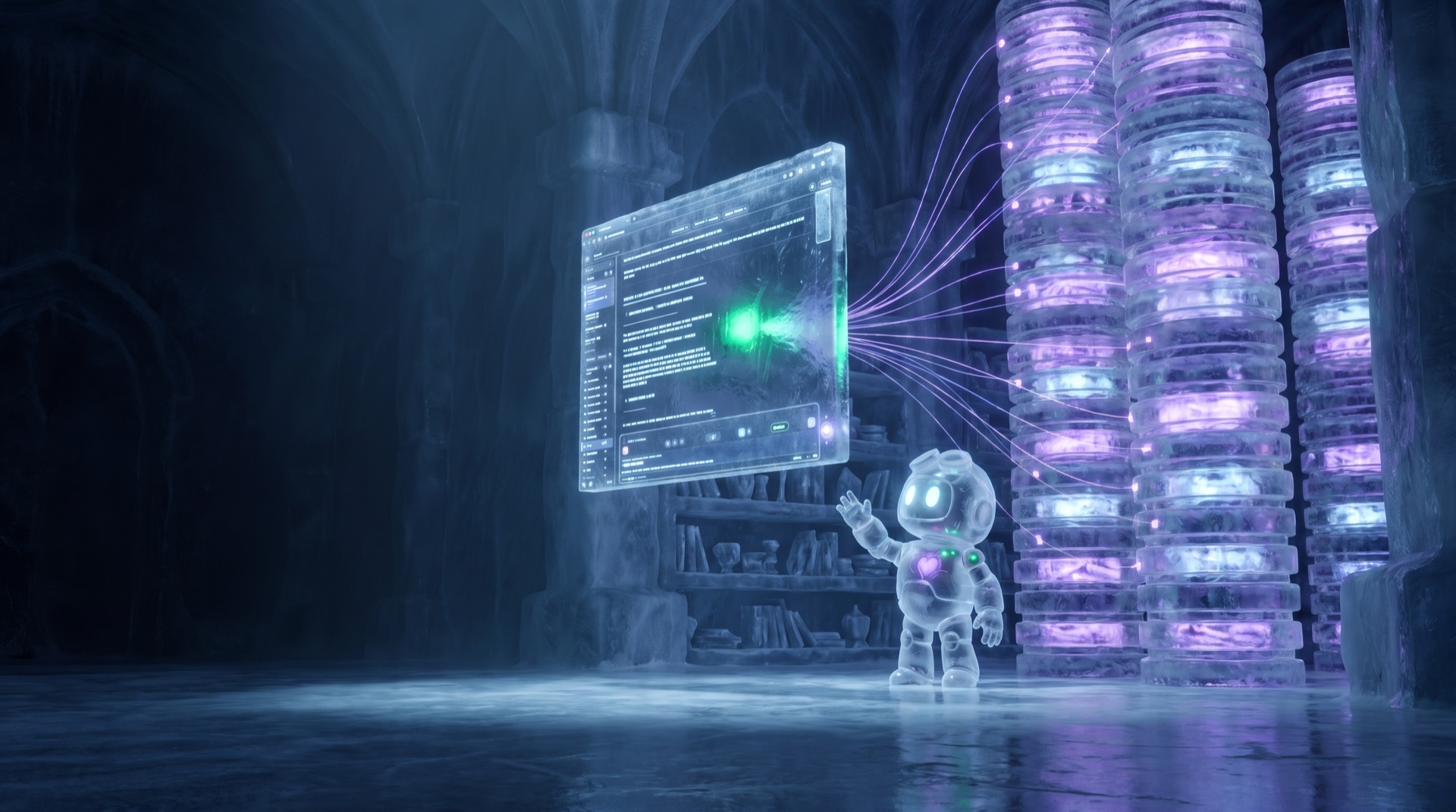
Knowledge bases
It understands meaning, not just keywords.
A knowledge base is an organised library of topics — a project, a client, a research area, a family wiki. Om-E vectors what's inside into an index that lives on your disk, so it searches by meaning: ask about “my daughter's creative interests” and it finds the note that says she likes drawing.
01 One memory per job
A KB per client, project or domain — deliberate, curated containers, not one big pile.
02 Search by meaning
Vector retrieval finds related ideas and passages even when the wording is different.
03 Scoped answers
A chat attached to a KB draws on that KB alone — client work never leaks into policy work.
04 Search one, or search all
Scoped to a KB by default — or sweep every KB at once when you can't remember where you put it.
05 On your machine
The index never leaves your disk. Nothing uploads, nothing sits in someone's cloud.
06 Nothing expires
The page you captured in March still answers in December, even after the live site changes.
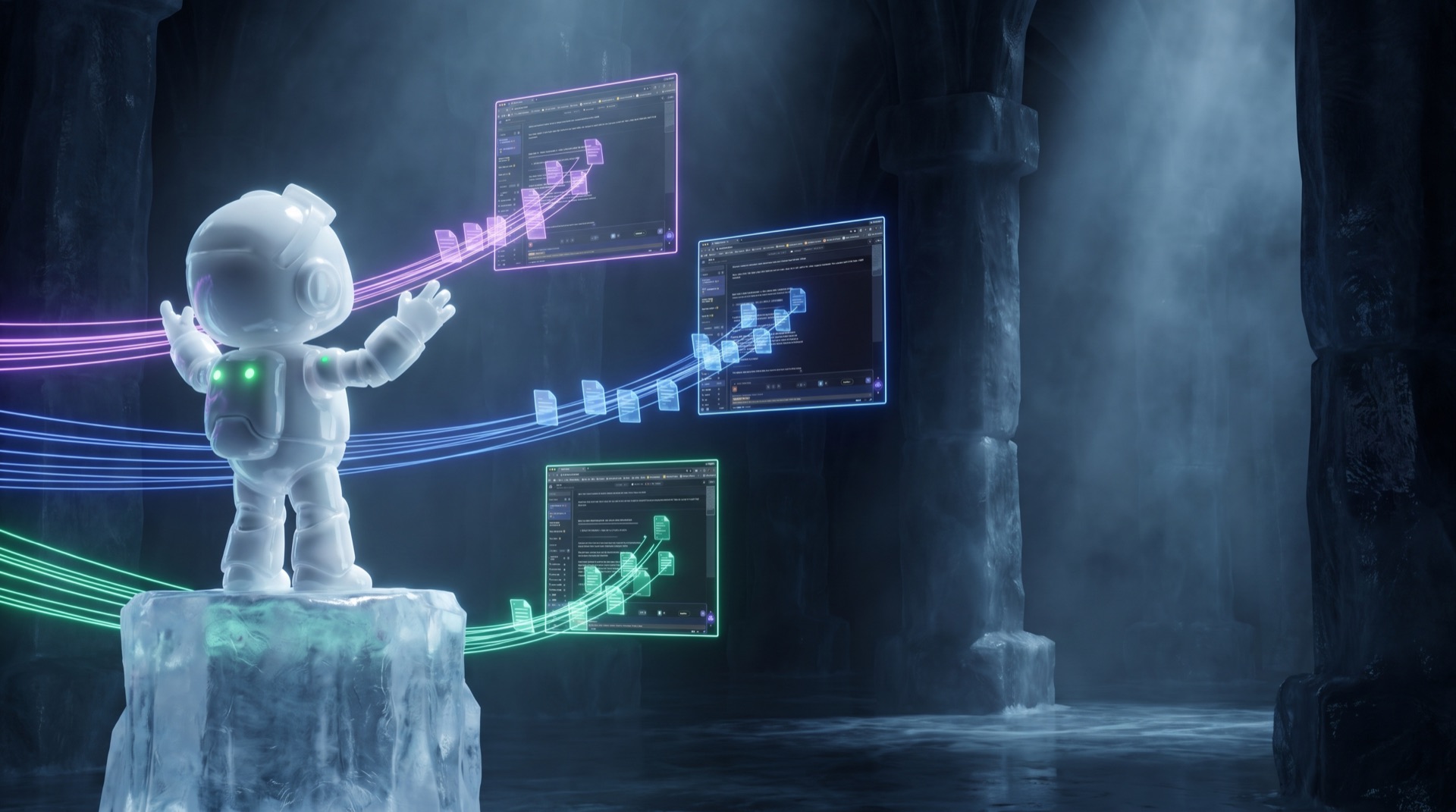
Multi-session
Nothing waits for anything.
Each chat is its own session: its own context, its own knowledge scope, its own running work. Fire a deep research run in one chat, draft in a second, triage in a third — they run side by side, and every thread keeps its own trail.
01 Truly concurrent
Chats run side by side in their own session spaces — a long run in one never blocks another.
02 Isolated by design
Each session keeps its own context, persona and knowledge scope — nothing bleeds across chats.
03 Fire and move on
Kick off a research run, switch chats and keep working — the run carries on and lands when it's done.
04 Every thread keeps its trail
Switch back any time; each session resumes exactly where it was, sources and reasoning intact.
How it fits
Knowledge compounds.
The four objects aren't features side by side — they're one loop. Everything you capture makes every future answer better, and every finished answer becomes something the next job can cite.
1 · capture
A page, a PDF, a transcript — one click and it's a topic, provenance attached.
2 · organise
The topic lands in a knowledge base and is vectored — searchable by meaning from now on.
3 · work
A chat attaches the KB and the answer is grounded in what you actually captured — cited.
4 · multiply
Fire more sessions — research in one, drafting in another — all drawing on the same memory.
5 · return
The finished answer saves back as a topic. This week's work is next week's source.
capture → organise → work → multiply → return — and the machine gets smarter
Stop losing knowledge in tabs.
Ask the page. Save the answer. Build your knowledge base.