Features
Four building blocks. Nine tools. One workspace.
Chats, Topics, Knowledge Bases and multi-session underneath; research, trust and agency on top. This page is the map — every stop links to its own deep-dive.
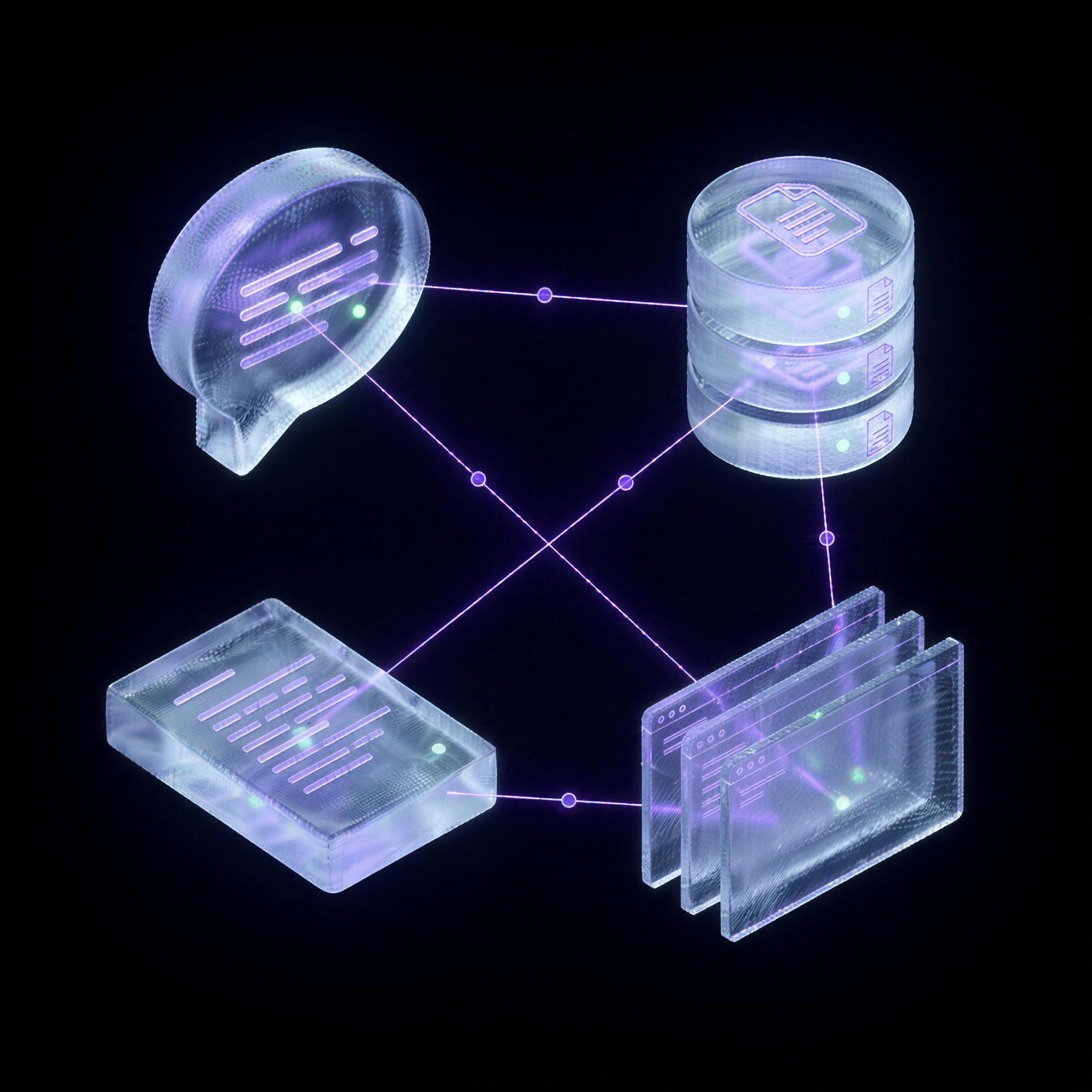
The machine
Chats, Topics, Knowledge Bases, multi-session.
A place to think, a place to remember, a place to organise — and all of it running at once. Chats are where the work happens; topics are where knowledge is saved; knowledge bases make it searchable by meaning; multi-session lets every chat run in its own space, concurrently.
Chats
Where the work happens. Your live AI workbench — ask, write, plan and analyse with context from your own knowledge, not generic memory.
more 02Topics
Where knowledge is saved. Flexible objects for anything important — notes, documents, pages, transcripts, briefs, memories. Saved once, reused forever.
more 03Knowledge Bases
Where knowledge becomes searchable. Organised libraries of topics, powered by vector search — Om-E finds information by meaning and uses it in your chats.
more 04Multi-session
Where it all runs at once. Every chat gets its own session space — fire a research run in one, keep working in another, nothing waits.
moreThe page helper
Ask this page anything. Then keep it.
The helper reads the page you're on — summarise it, extract the pricing, pull the implementation steps. One click more and the page becomes a topic: a cleaned write-up with webpage provenance, indexed for retrieval, attached to your current chat.
A normal page helper answers and forgets. Om-E answers, structures, saves and connects the page to future work.
page → topic
read vendor-b.com/security
clean write-up · 42 claims extracted
save topic “Vendor B — security”
✓ provenance: url · captured 08 Jul
See the loop end to end on the use-cases page, or download Om-E.