Your AI workbench.
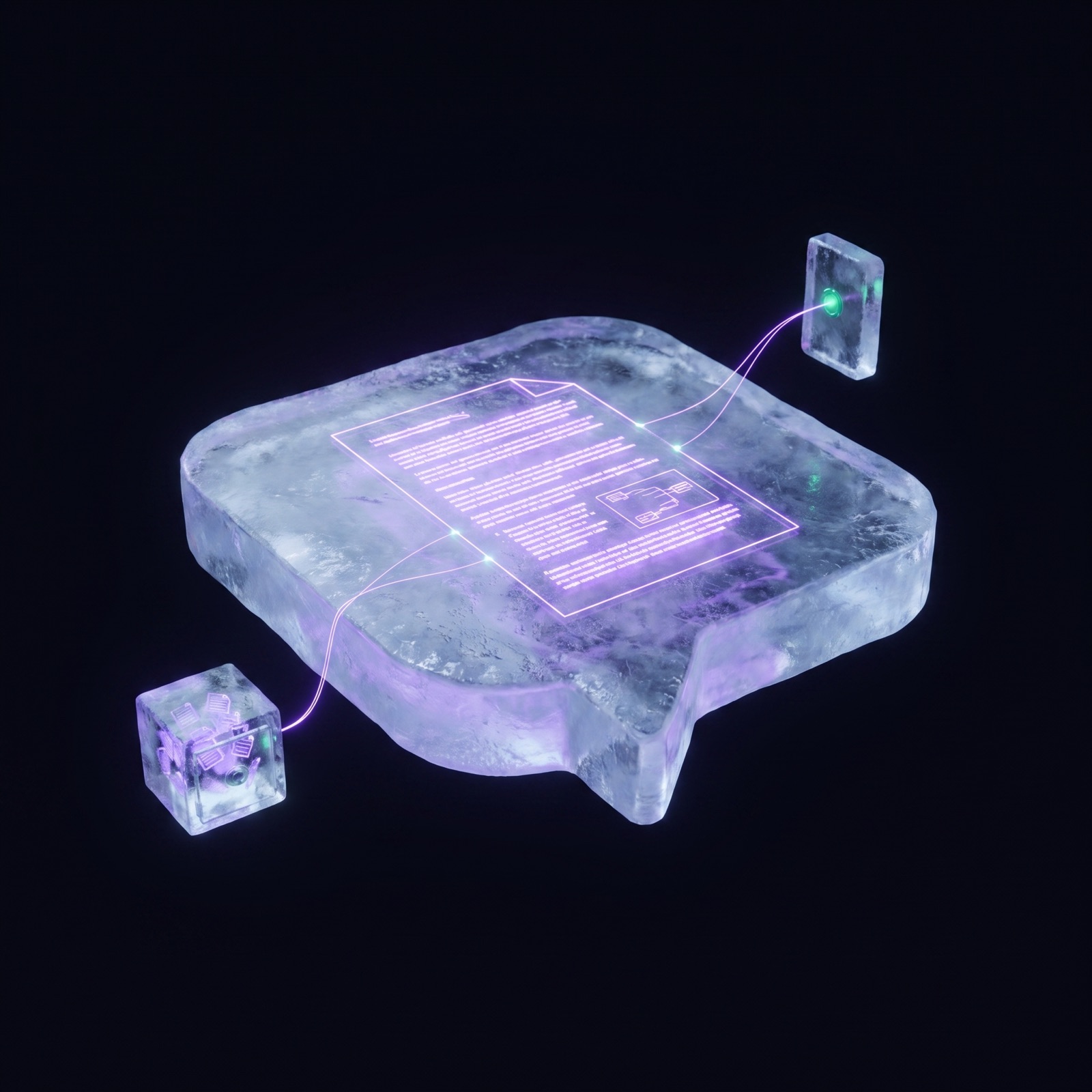
Where your topics meet — attach knowledge for retrieval or load it whole, compare sources, and build cited, verified answers.
one chat, two sources
attachvendor-a KB · retrieval on
loadvendor-b brief · full context
ask“compare their security posture”
✓both cited · verification report saved
Why it's good
Where the work happens.
A chat works like any AI conversation — until you connect it. Attach a topic and local retrieval feeds the model exactly the passages that matter; load it and the full text sits in the window for whole-document work. Pull in several and the chat becomes the place where sources meet: joined, compared, cited.
Attach or load — two gears
Attach a topic and local RAG surfaces the relevant passages. Load it and the full text is in context.
Where topics meet
Join several sources in one thread and weigh them against each other — vendor vs vendor, draft vs brief.
Cited and verified
Grounded answers cite the topics they drew on, and verification reports are built right in the thread.
Messages you can shape
Edit or delete any message — or have the AI clean a thread: extract the good parts, format them, distil raw turns into a bio.
And it stays
Conversations that don't expire.
Every turn saves to your machine as it happens — portable, searchable, and reusable as knowledge.
Local chats
A chat is a place, not a scroll.
This is the number-one promise: the knowledge you create is created locally. Every turn saves to your disk as it happens — and because a chat is a file you own, it travels: export it, import it, or promote the whole thread into a topic.
Local first, always
Every turn is saved to your machine as it happens — no export step, no session timeout, no cloud copy.
Export and import
A chat is a portable file — back it up, move machines, hand a finished thread to a teammate.
A chat can become a topic
Convert a thread into a topic and the conversation itself turns into citable source material.
Markdown native
Messages are stored as markdown — the native language of LLMs — so threads render clean and reuse anywhere.